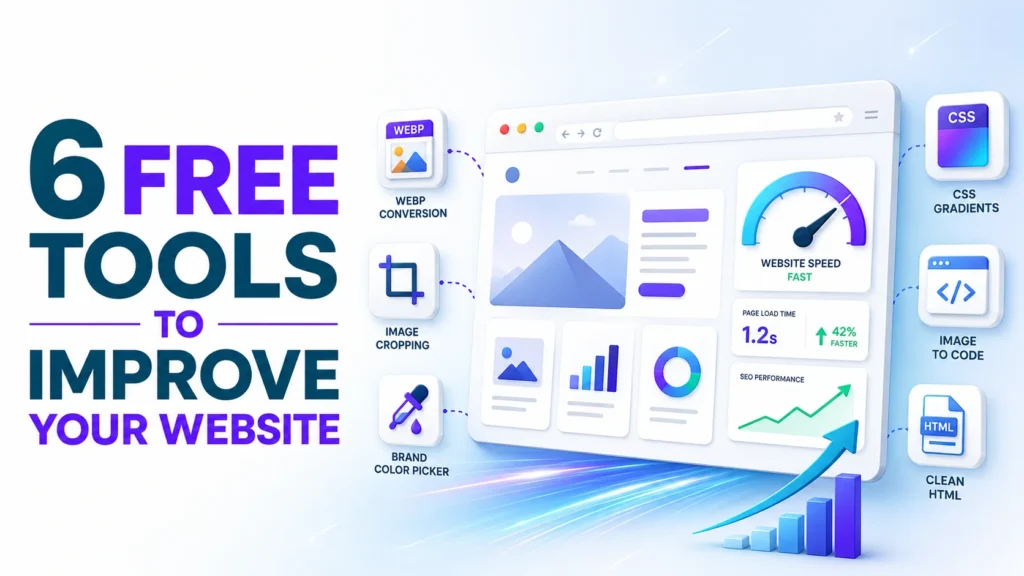
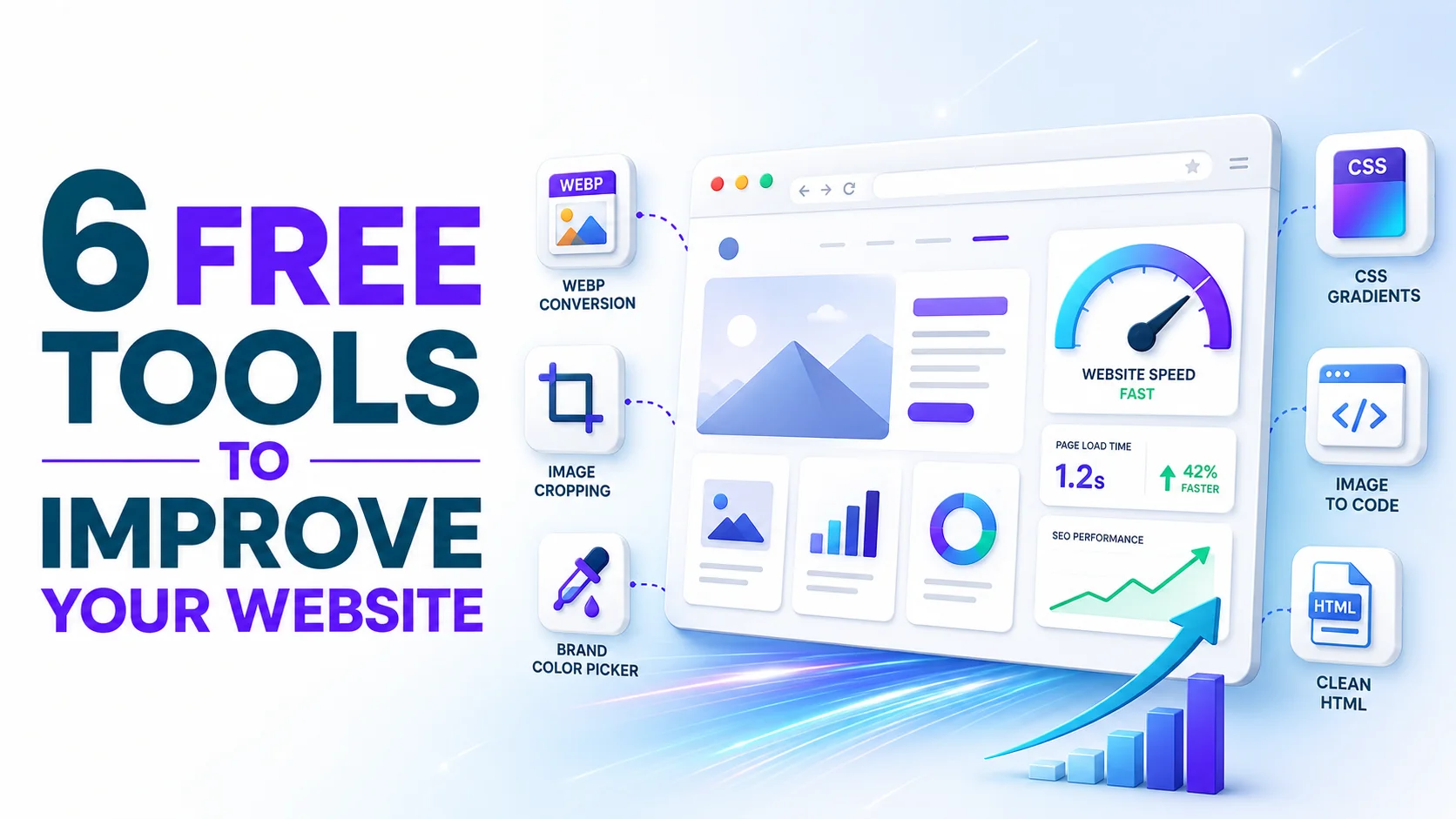
A slow, cluttered, or inconsistently branded website quietly costs businesses customers every single day — and it’s one of the first things we look at when we start working with a new client on SEO or web design. The good news: you don’t need a developer or a paid subscription to fix most of it.
Here are 6 free, no-signup tools from ToolFlexy that can make your website faster and more polished in an afternoon — all browser-based, with files processed locally for privacy.
1. Convert Images to WebP for a Faster-Loading Site
Page speed is one of Google’s ranking factors, and oversized images are usually the biggest culprit behind a slow site. The PNG to WebP Converter shrinks your images into a modern, lightweight format that loads noticeably faster without any visible drop in quality.
2. Crop Images to the Right Size Before You Upload
Stretched or awkwardly cropped banners and hero images are an easy way to make a site look unfinished. The Crop Image tool lets you trim any photo to the exact dimensions your website theme needs, in a few clicks.
3. Pull Your Exact Brand Colors From Your Logo
Consistent brand colors across your website, social media, and marketing materials make a business look more established and trustworthy. The Color Picker extracts the exact hex codes from your logo or brand images, so your whole team uses the same colors everywhere.
4. Build Custom Gradient Backgrounds Without a Designer
Flat, modern gradient backgrounds are one of the easiest ways to make a website or landing page look current — but getting the colors and angle right by hand is tedious. The CSS Gradient Generator lets you design one visually and copy the exact CSS code straight into your site.
5. Embed Small Icons Directly Into Your Code
If your website loads a lot of tiny icons or logos as separate image files, each one adds an extra request that slows your page down. The Image to Base64 tool converts a small image into code you can embed directly into your site, cutting down on those extra load requests.
6. Clean Up Messy HTML Before You Publish
Copy-pasting content from Word or Google Docs into your website often drags along messy, invisible formatting that can break your layout or slow down rendering. The HTML Formatter cleans and organizes your code so it’s lightweight and easy to read.
Bonus: Validate Your Schema Markup
If you’re adding structured data (schema) to your site for better search visibility — a common technical SEO step — the JSON Formatter helps you check that your JSON-LD schema code is clean and error-free before it goes live.
Why These Small Fixes Matter
None of these changes require a redesign or a developer on retainer — just an afternoon and the right free tools. All of them, plus dozens more covering PDFs, calculators, and text utilities, are available at ToolFlexy’s tools directory — no signup required.
Of course, quick fixes like these only go so far. If your website’s speed, structure, or SEO needs a deeper look, that’s exactly what we do.
Want a full website and SEO audit instead of a DIY fix? Talk to Revenue Boomers — we’ll show you exactly what’s slowing your site down and holding back your rankings.